


Stay ahead of
variances.
Compare planned and completed work. Identify changes in pace and reschedule using site information.
From plan to realityConnect what happens on site with the schedule, costs and decisions that move your project forward.
On projects for
those building the future.














When progress, costs and documentation share the same context, every decision has a stronger foundation.

Compare planned and completed work. Identify changes in pace and reschedule using site information.
From plan to realityConnect site quantities with budgets, cost centres and payment certificates. Review sales value, planned cost and actual cost.
From quantity to valueEvery record, document and approval retains its owner and history. Everyone works from shared information.
From record to validationExplore how EPC Tracker connects construction, cost control and technical information across your projects.

Connect BOQ quantities and site milestones with schedule activities. Completed quantities feed into production progress to compare the baseline, current schedule and actual progress.
Import the baseline, link quantities, compare scenarios and track progress through curves and Gantt charts.
Import your Oracle Primavera P6 or Microsoft Project schedule. Its baseline becomes the reference for tracking progress in EPC Tracker.
Use the schedule you already have and connect it to the reality on site.
Illustrative demonstration based on EPC Tracker views. Sample data.
The imported baseline is compared with the latest schedule and actual progress.
Measured production updates schedule progress.
| Activity | Baseline | Latest sched. | Actual |
|---|---|---|---|
| Excavation | 80 % | 78 % | 72 % |
| Concreting | 60 % | 60 % | 60 % |
| Installation | 50 % | 45 % | 40 % |
Identify the variance and remaining work.
pp: percentage points. Actual progress − baseline.
Review the sequence and relationships before rescheduling.
Bars: current schedule and progress. Example links: start-to-start.
Two ways to explore EPC Tracker information through conversation. One shared foundation for your decisions.
We are introducing an AI module for natural-language queries on projects, milestones and financial summaries, from within the platform or a connected external assistant.
See where the information comes from and when it applies. Check the data before deciding.
An integrated conversation to query project information while you work in the platform.
AI in your workspaceAn additional way to query EPC Tracker from an external assistant, using an MCP connector.
Connected to your toolsRead-only · Permissions by user and project
Projects · Milestones · Financial summary
Ask about variances on your site. Relate progress to the schedule and understand which work needs attention.
Without searching through reports and screens.
Progress, scheduling and dependencies.
What is happening, what to review and the evidence behind it.
Project A · Installation · Cut-off: 28/09/2026
Which progress variances affect the critical path and upcoming tests?
| Activity | Planned | Actual | Difference |
|---|---|---|---|
| Mechanical installationCritical path | 100 % | 85 % | −15 pp |
| Electrical connectionsCritical path | 60 % | 45 % | −15 pp |
| Testing and adjustmentsCritical path | 0 % | 0 % | 0 pp |
pp: percentage points · Difference = actual − planned.
Installation and connections are each 15 percentage points behind and are on the critical path.
Upcoming tests depend on this work. Priority: review the remaining work and dependencies with those responsible.
The impact on the completion date requires the schedule to be recalculated.
Current schedule · Recorded progress
Critical path · Dependencies
Together, we define priority queries, connections and implementation scope to suit your projects and teams.
Discover our tailored approachWe tailor the information to each team's role and each sector's operations. Every role has access to the level of detail needed to develop, deliver or supervise the project.
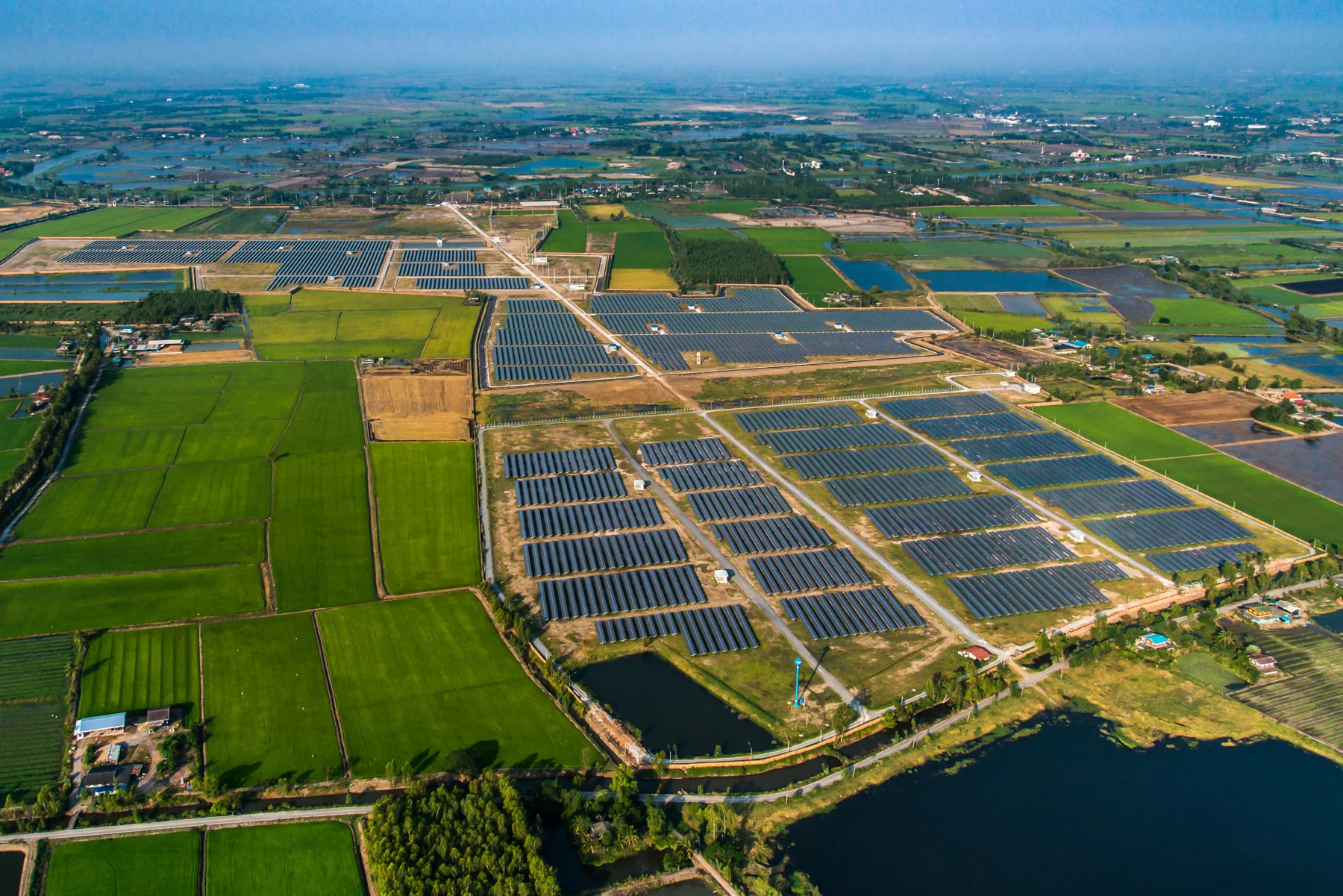
Consolidate your project information and compare progress using common criteria. Identify where you need to intervene without waiting for scattered reports to be compiled.
Every sector works differently. Solar PV is one example of how we adapt EPC Tracker to specific processes.
Track driven piles, structures and modules on the solar farm's pictogram. Connect site reporting, quality acceptance and valuation against purchase order items.
View the new status, its history and the updated quantities.
Recreation of the EPC Tracker process · Sample data.
Current-period, previous and cumulative quantities.
Shared traceability for construction and payment certificates.
The flexibility of bespoke development, built on a platform proven on site.
Developing software from scratch means building, testing and maintaining every feature. With EPC Tracker, you start from a platform already used on real projects and focus your efforts on what your business needs to adapt.
We configure processes and develop bespoke features for your organisation, your client or a specific project. We also tailor the integrations with your systems: data, workflows, permissions and validations, so EPC Tracker fits the way you work.
Let's discuss your tailored solution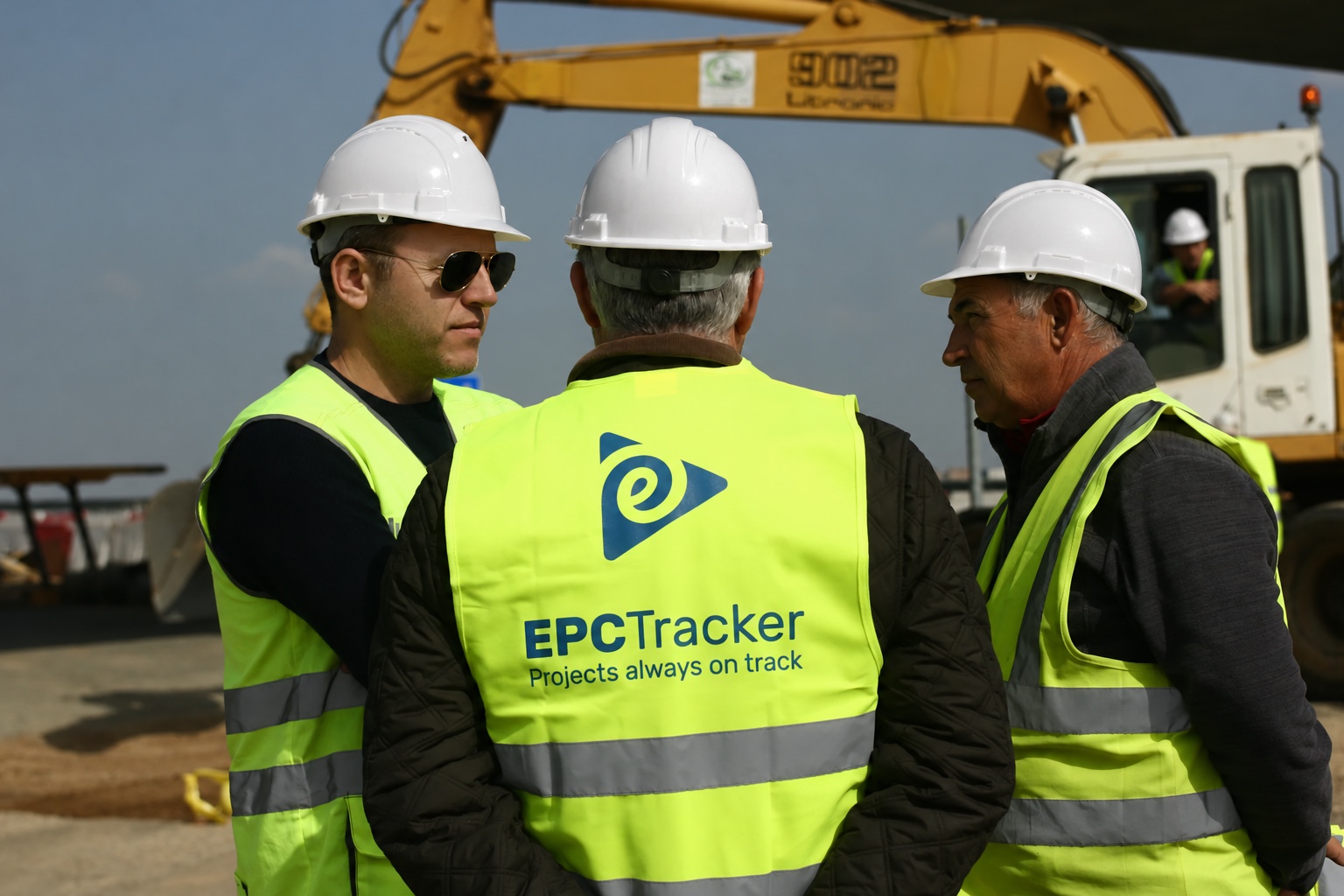
Tailoring EPC Tracker also means connecting it to the software your business already uses.
As a common data environment (CDE), it connects schedules, documents and models with what happens on site. It structures this information for use in your management and analysis systems, preserving context and traceability.
Together, we define which data to exchange, in which direction and with which validations. We tailor connectors, workflows and features to your organisation or a specific project.
A proven platform, tailored to youProgress · Quantities · Documents · Issues · Validations
MS Project
Oracle Primavera P6
SharePoint · OneDrive
Google Drive
IFC · Autodesk
Models linked to site work
ERP · SAP · Presto
Costs and payment certificates
Power BI · Microsoft Fabric
Indicators and decisions
REST API · Two-way exchange
SSO and identity management
Connect your tools to the site to reduce manual data entry and information silos.
Relate quantities, issues and validations to your company's schedules, costs and indicators.
Prepare useful information for commissioning, maintenance and reporting. Use lessons learned to improve design and scheduling.
Bring control to where the work happens.
With the app, your team records quantities against activities or works on the project pictogram. Every field record adds context to project tracking.
Open the WBS activity or the block and its elements.
Check total, completed and outstanding quantities by quantity record or element type.
Progress records are linked to activities and project tracking.
Open Pictogram progress from the app’s quick actions.
Inspired by PFV Entrenúcleos Prueba · Illustrative plan and quantities.
From Home, open Record progress to access the WBS activities.
Inspired by the Sellindge workflow (TSK) · Sample quantities.
Illustrative process demonstration · Sample data
EPC Tracker acts as a common data environment (CDE): connecting documents, BIM models and construction data so public authorities, site supervision teams and contractors work with shared, traceable information.
Let's discuss your contractShared information.
Access by role and responsibility.
Versions, metadata, permissions and approvals in a shared environment. Easily track who contributes, reviews and validates each document.
Relate technical information to progress, costs, quality and issues. Give supervisors visibility of completed and remaining work.
We support you in reviewing the BIM requirements in the tender specifications and pre-appointment BEP/BEP, and in defining the CDE and its processes in accordance with ISO 19650.
EPC Tracker holds ISO 9001 and ISO/IEC 27001 certifications, as well as certification of conformity with Spain’s National Security Framework (ENS).
Our quality and security policyProcesses focused on continual improvement and customer satisfaction.
Risk management to protect the confidentiality, integrity and availability of information.
Certification of conformity with Spain’s National Security Framework for the information systems within its scope.
From entire programmes to individual infrastructure projects.
Comunidad de MadridSpain
EPC Tracker has been used across all three programmes in their entirety.
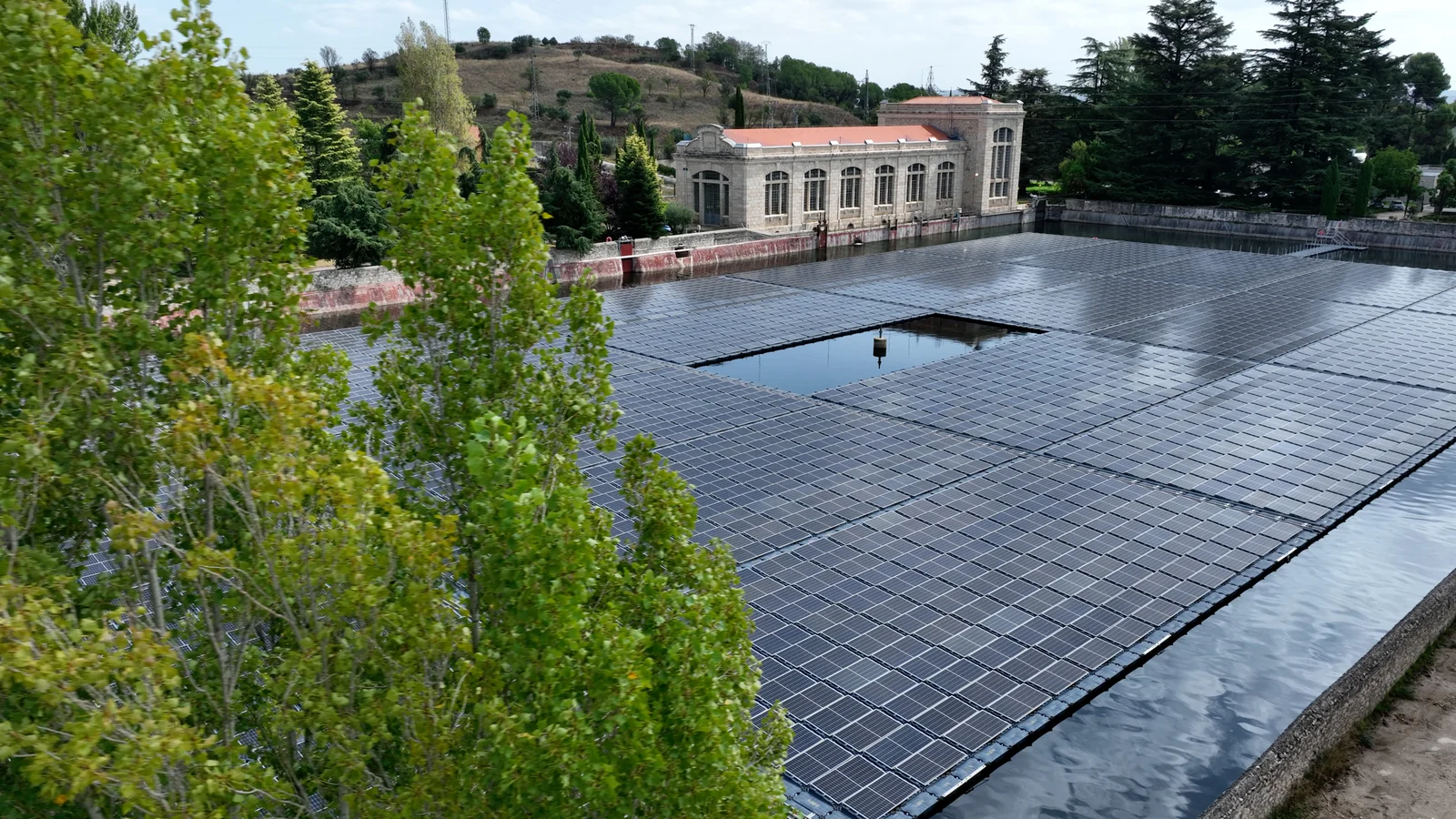
Two tours of the BIM module: the federated model and the IFC viewer. Navigate in 3D, explore the model structure and inspect element properties.
Explore the federated model from different perspectives.
00:00 / 00:30The video could not be loaded. Open the recording.
Explore the IFC model from different perspectives.
00:00 / 00:30The video could not be loaded. Open the recording.
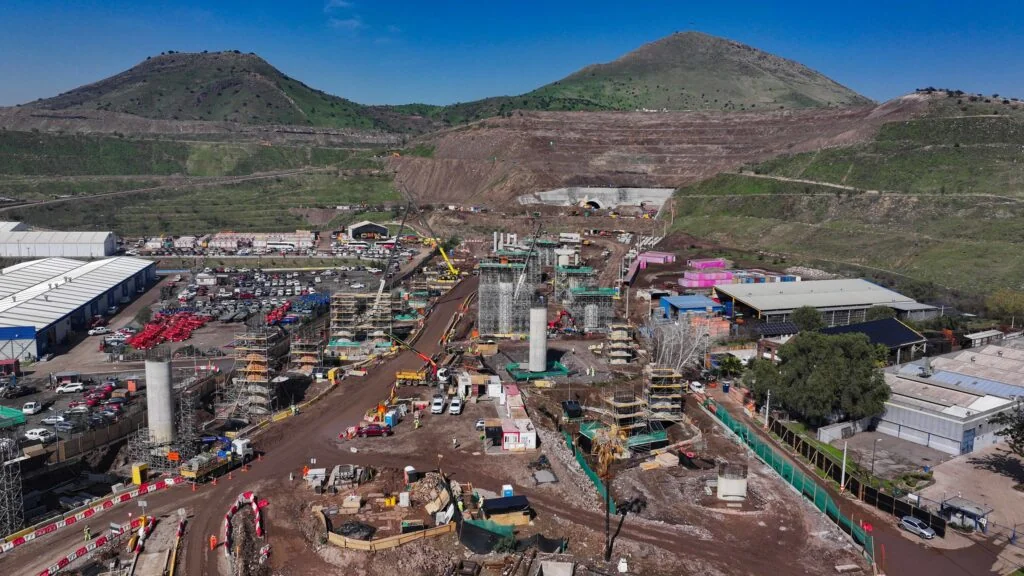
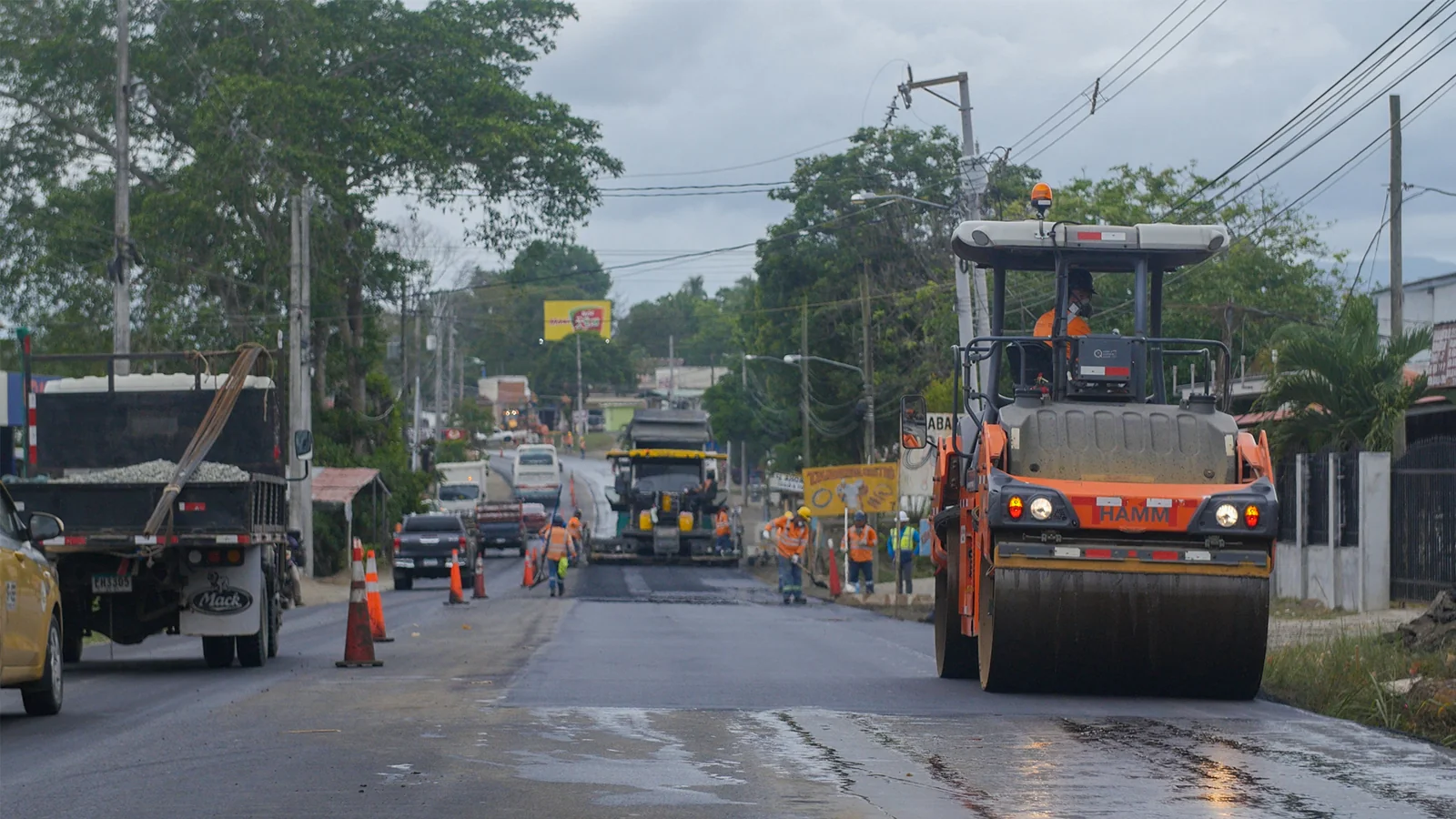
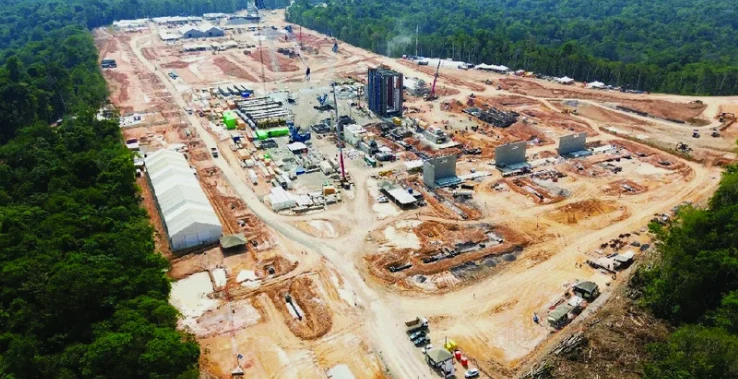
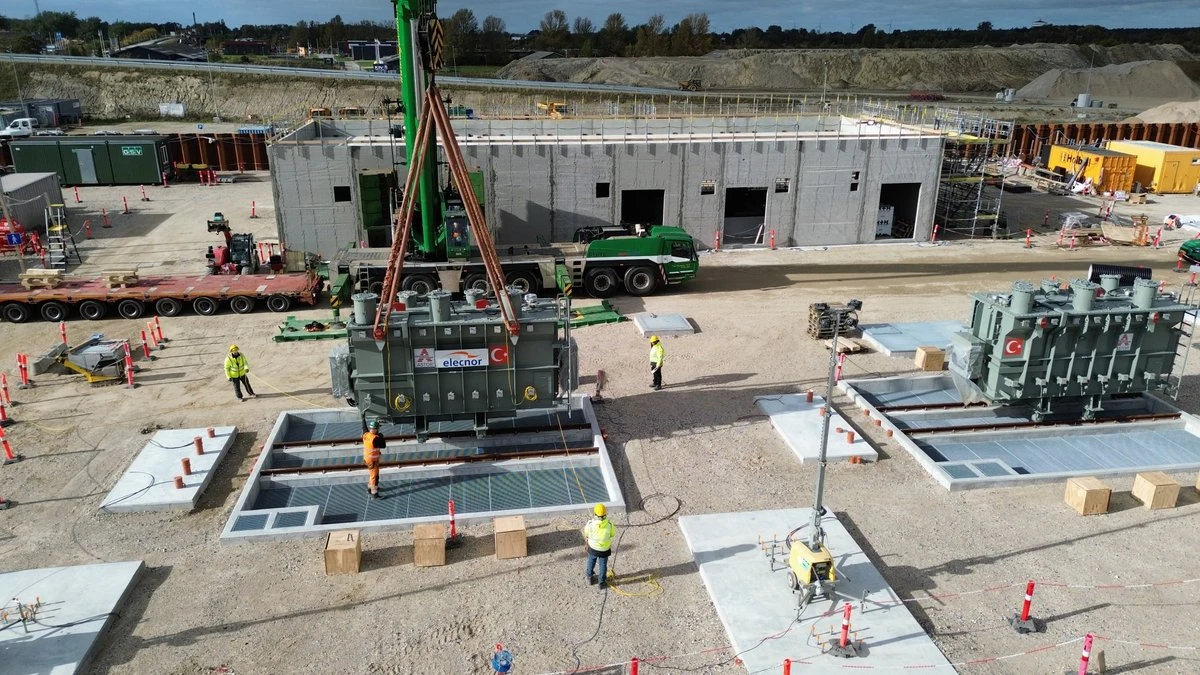
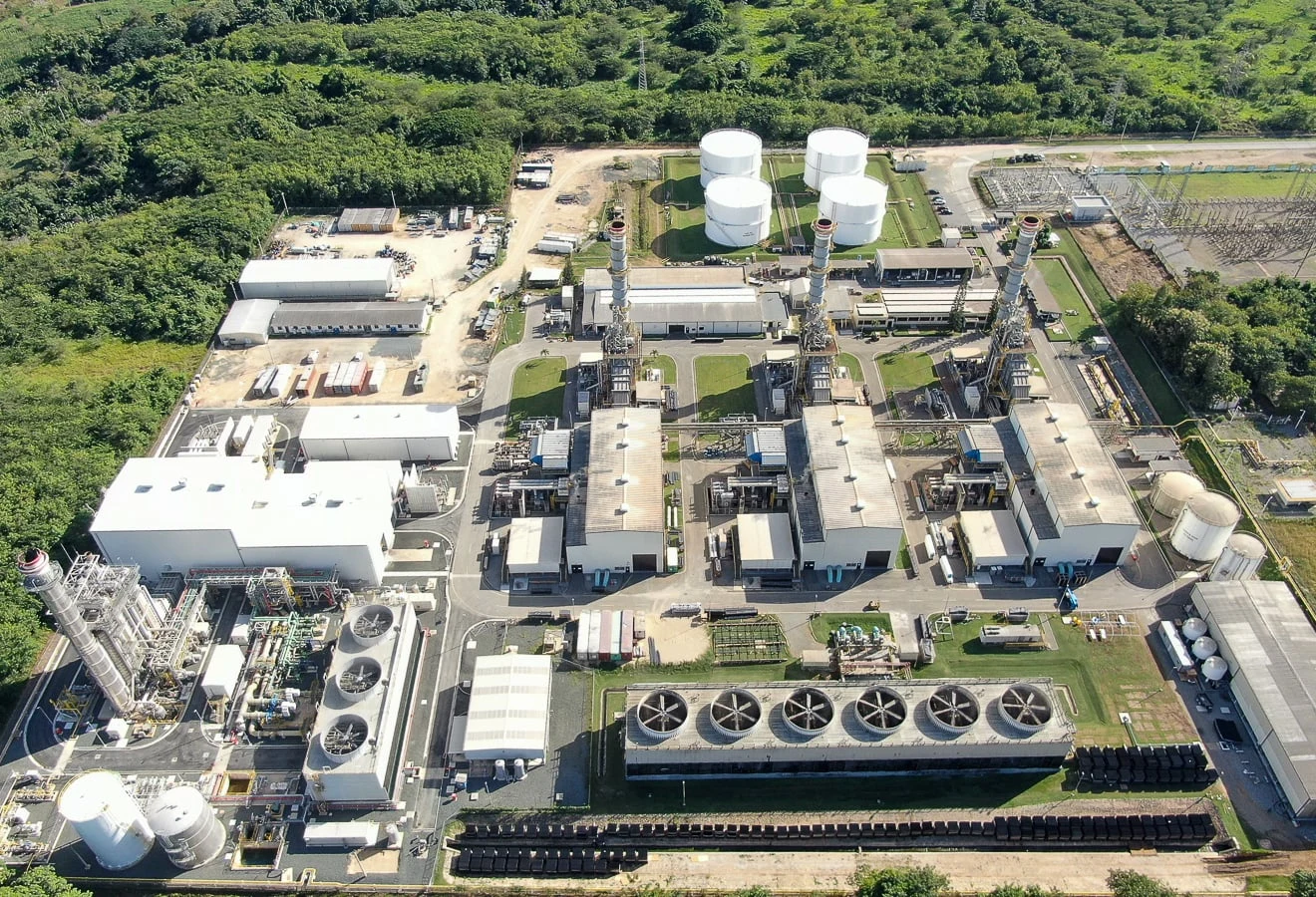
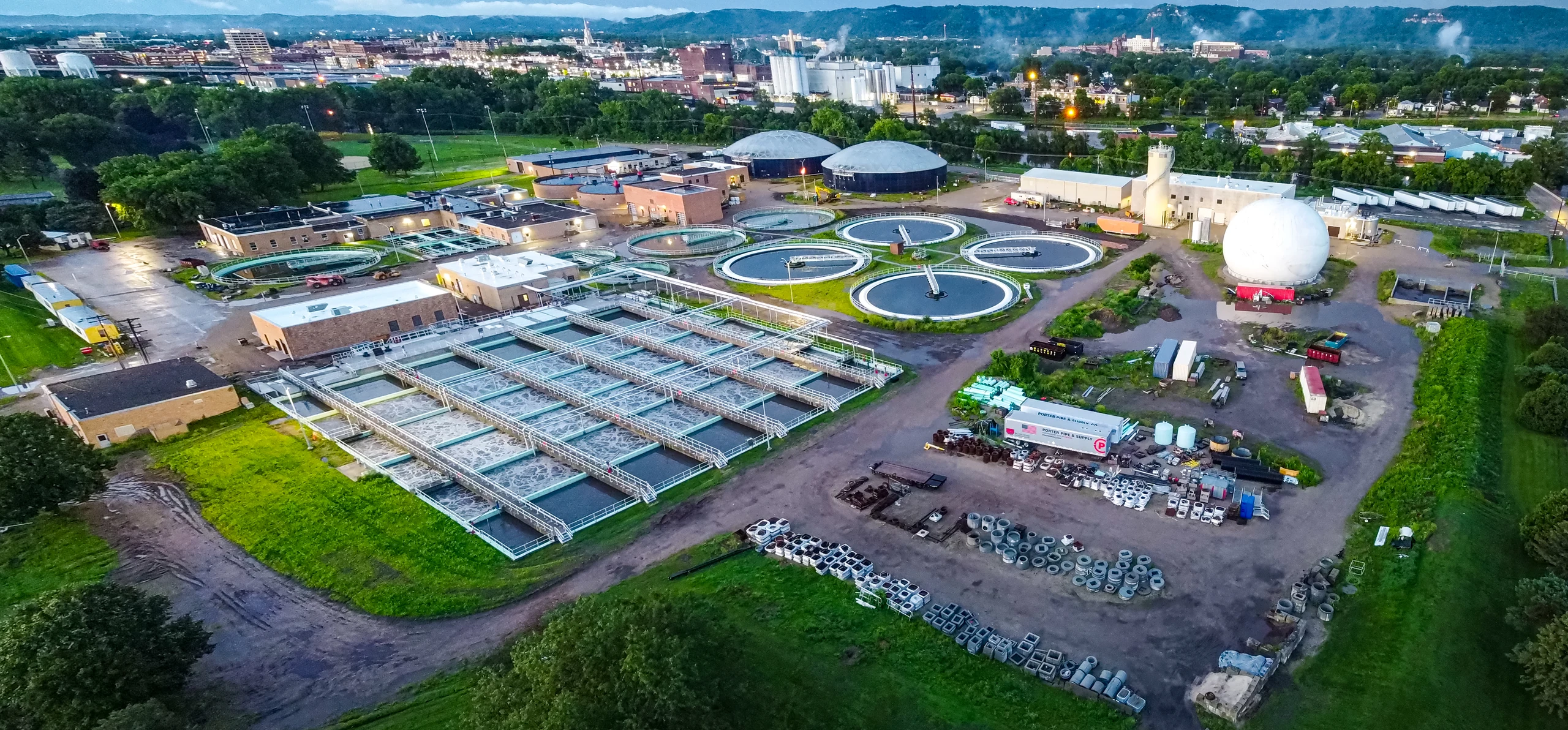
Energy, infrastructure, water and industry. Explore EPC Tracker’s global presence and discover some of our projects.
View featured projects
The same clarity.
From one project to your whole portfolio.
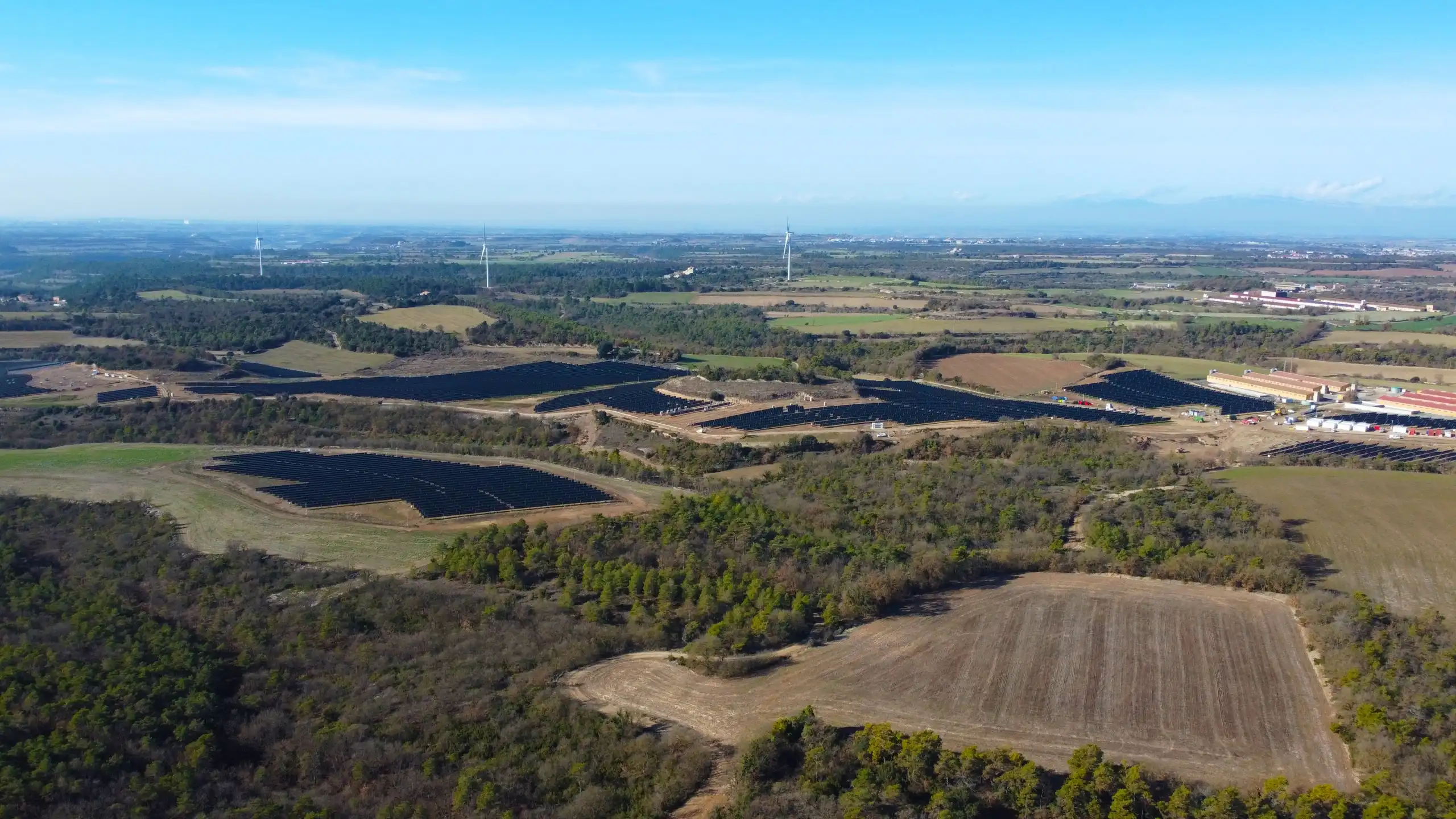
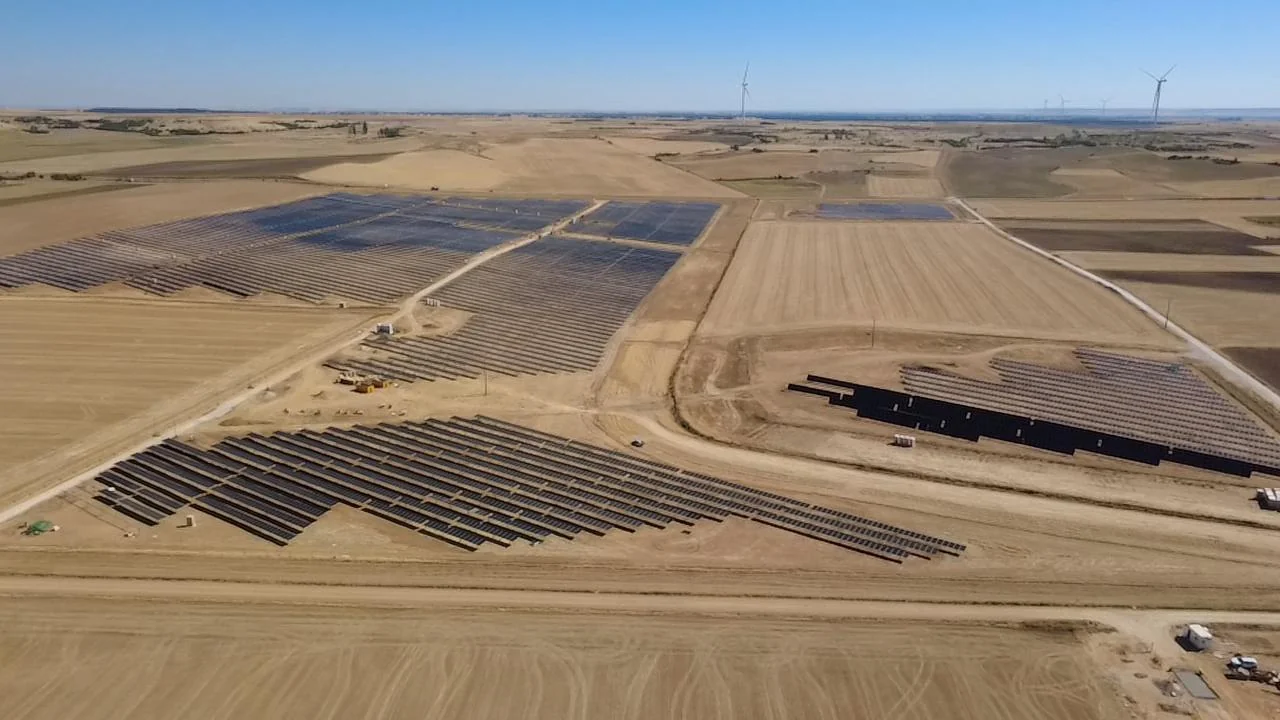
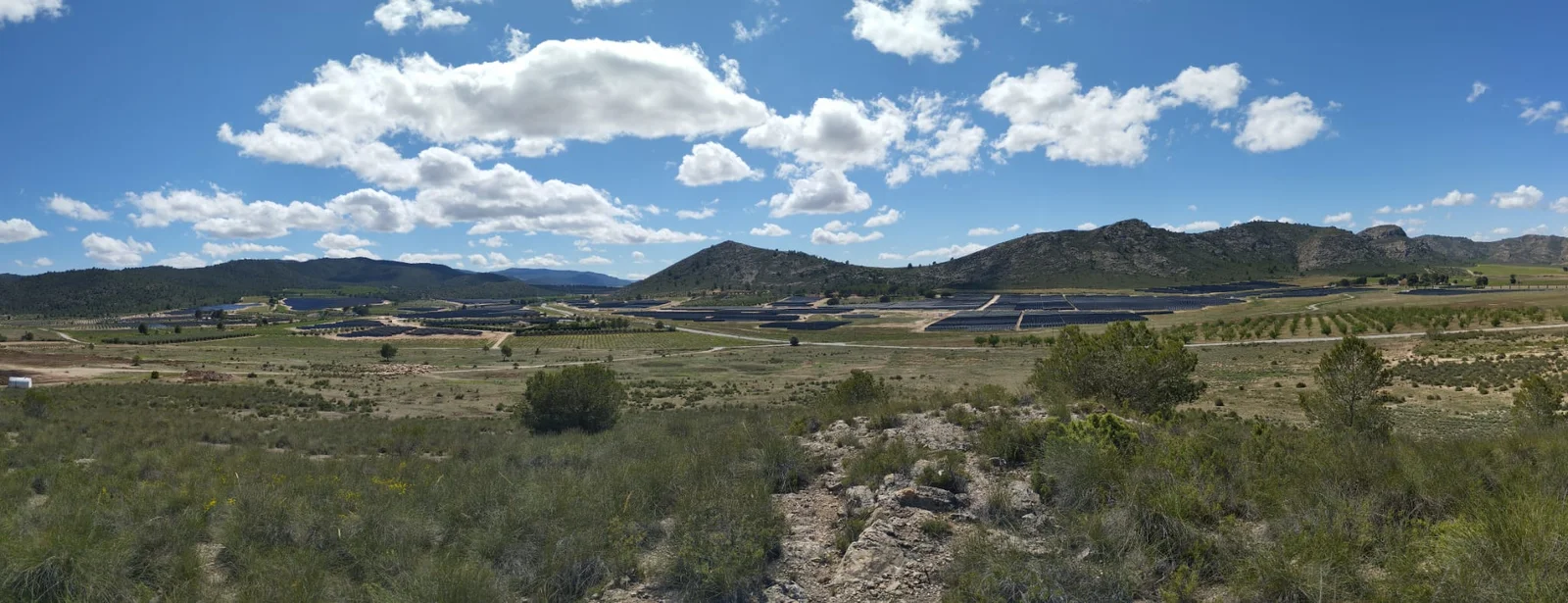
A selection of projects where EPC Tracker is used. Different locations, the same connection between site operations and management.
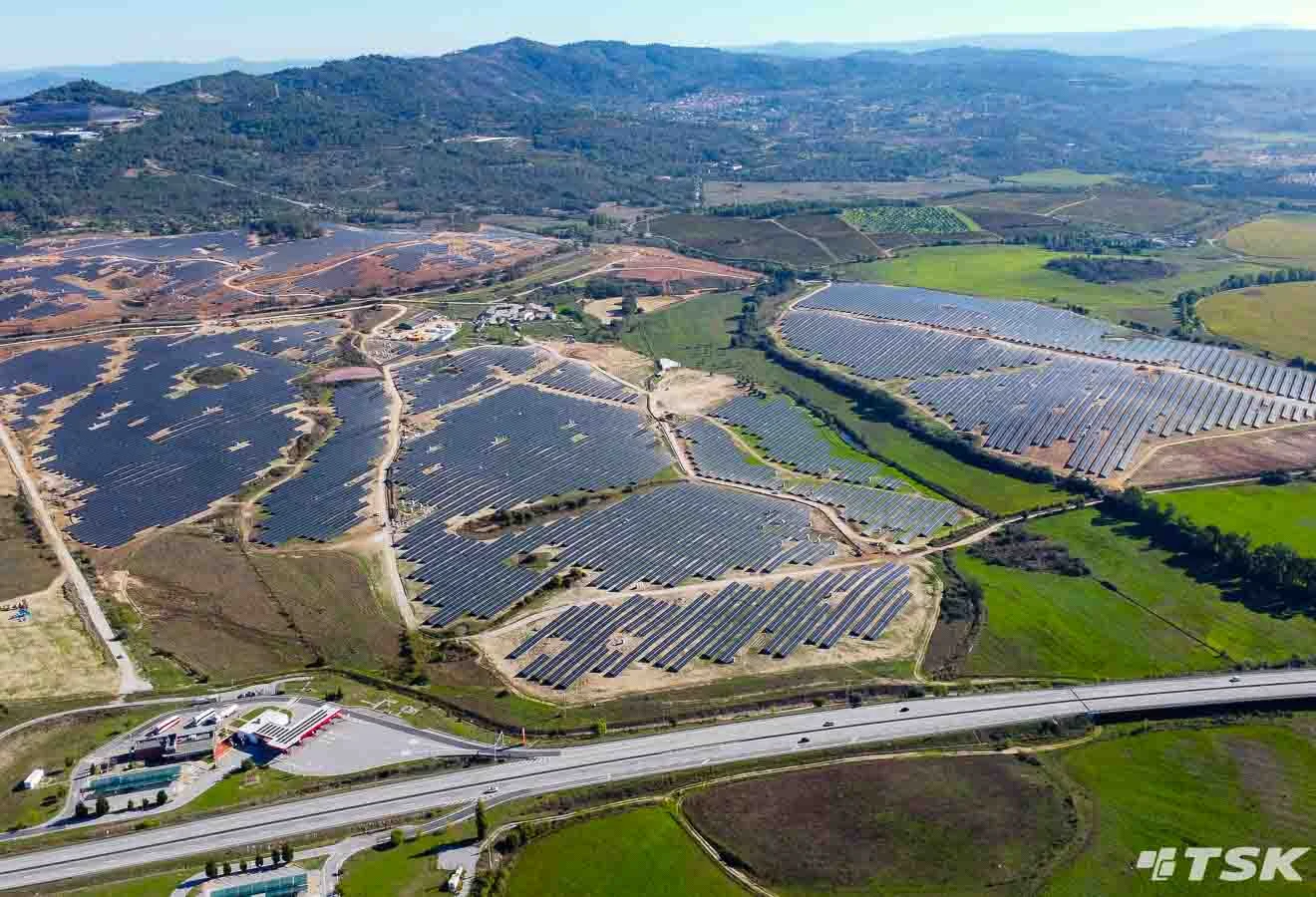
CáceresSpain
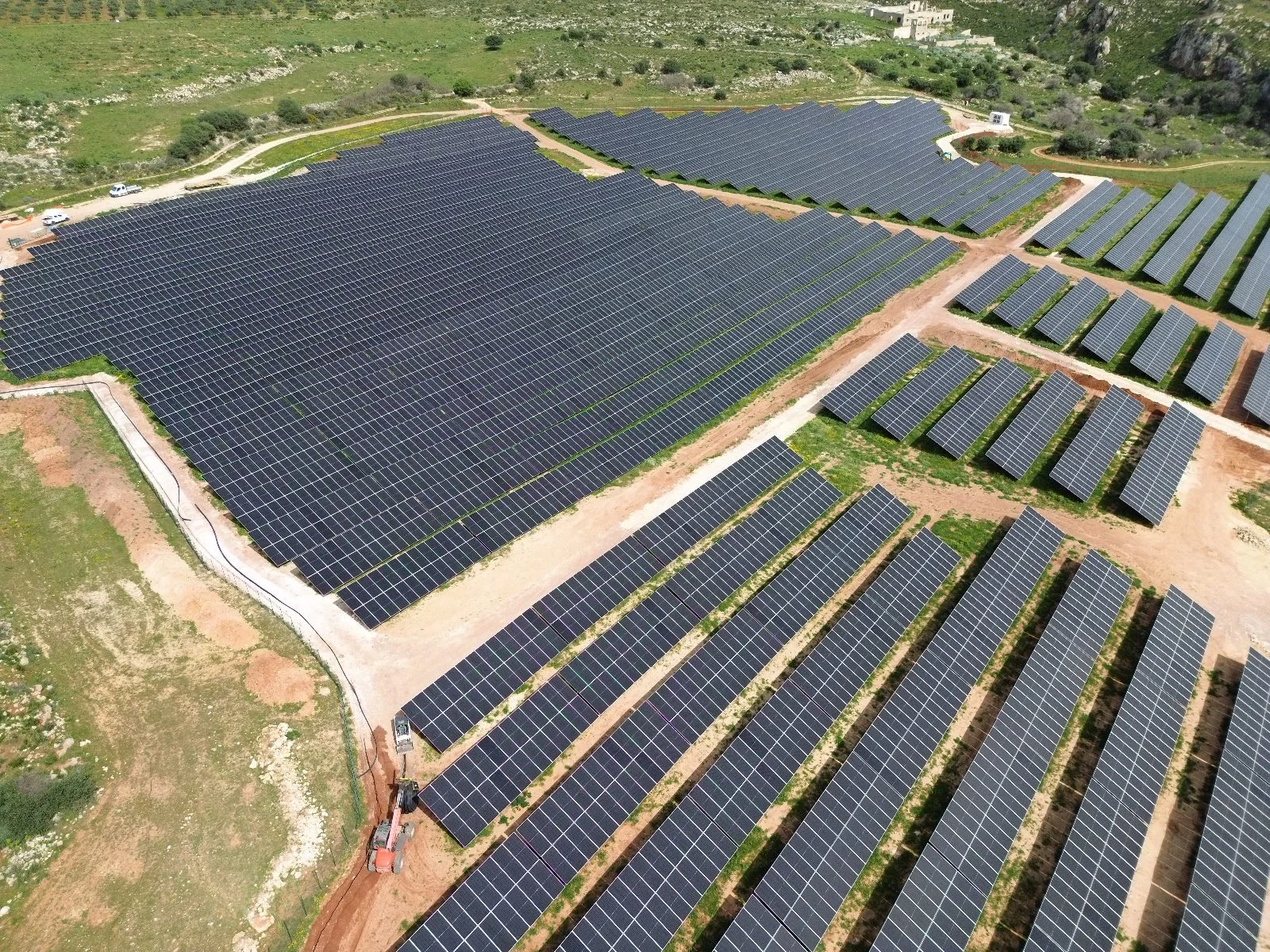
48 MW of photovoltaic capacity.
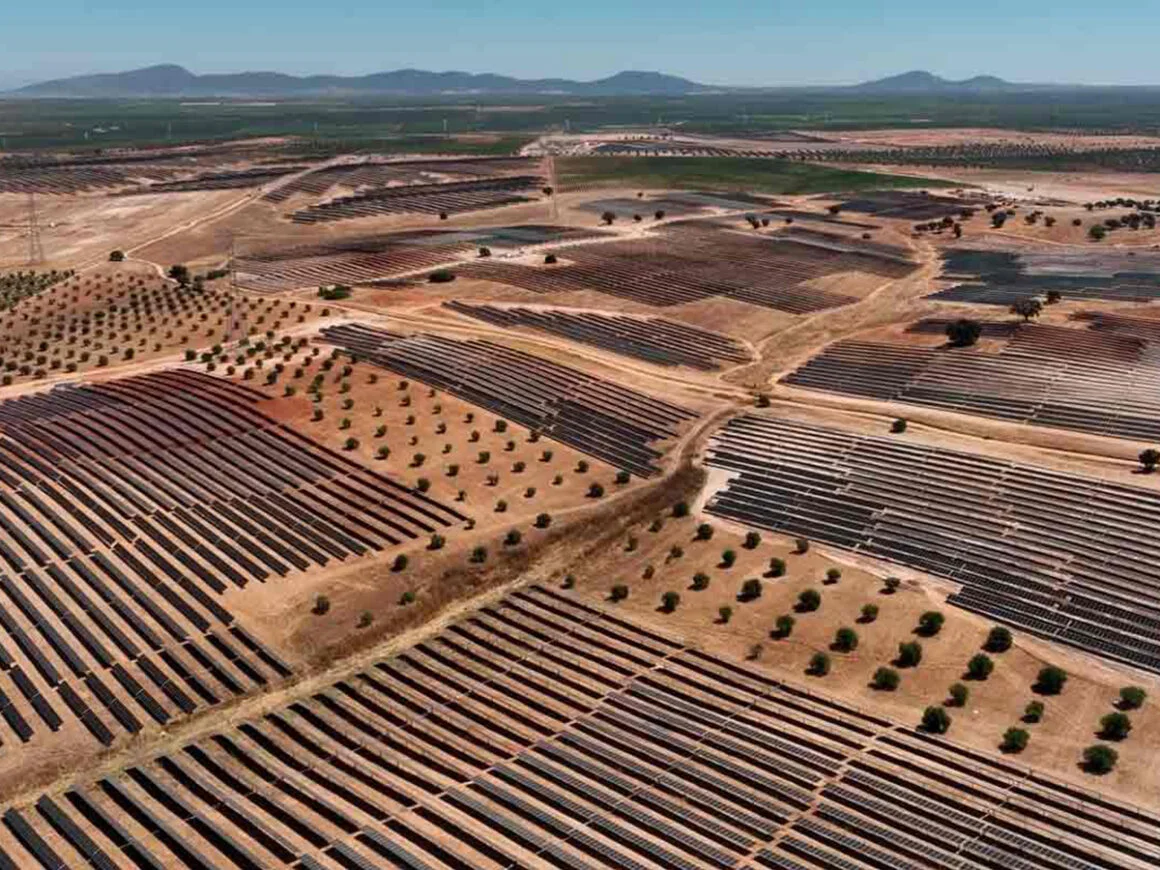
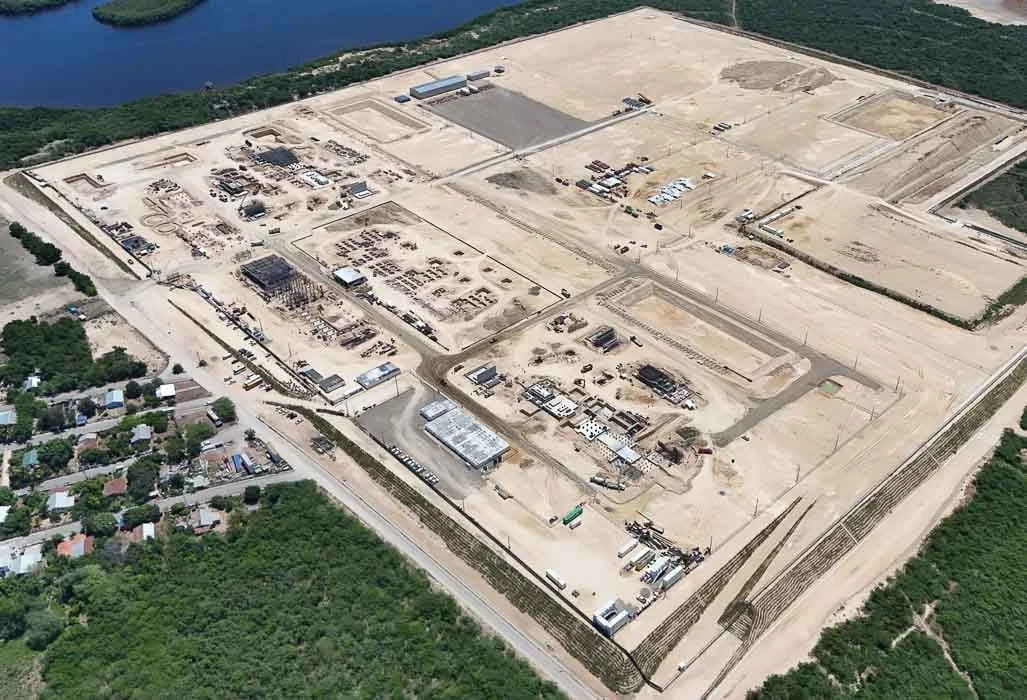
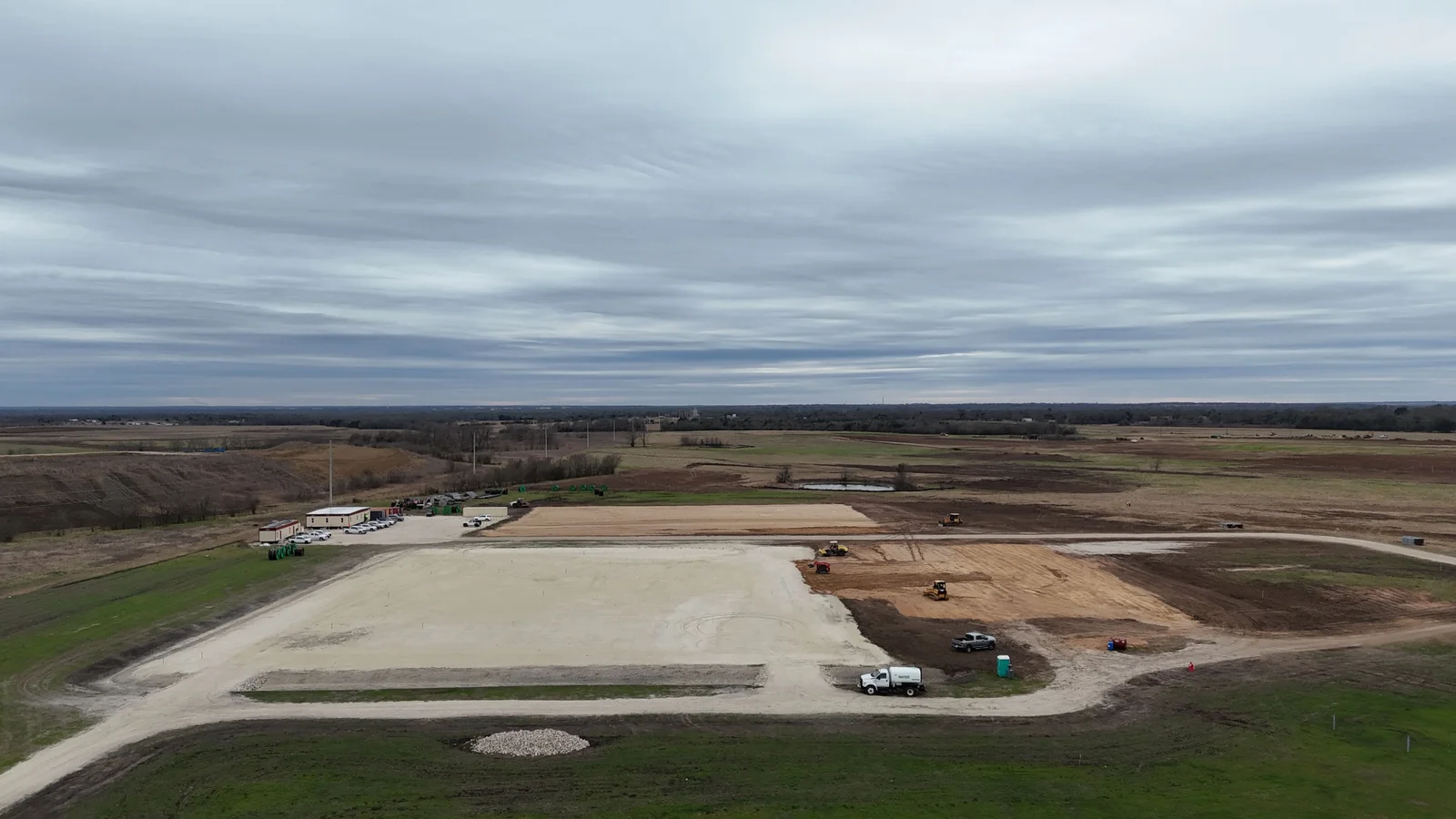
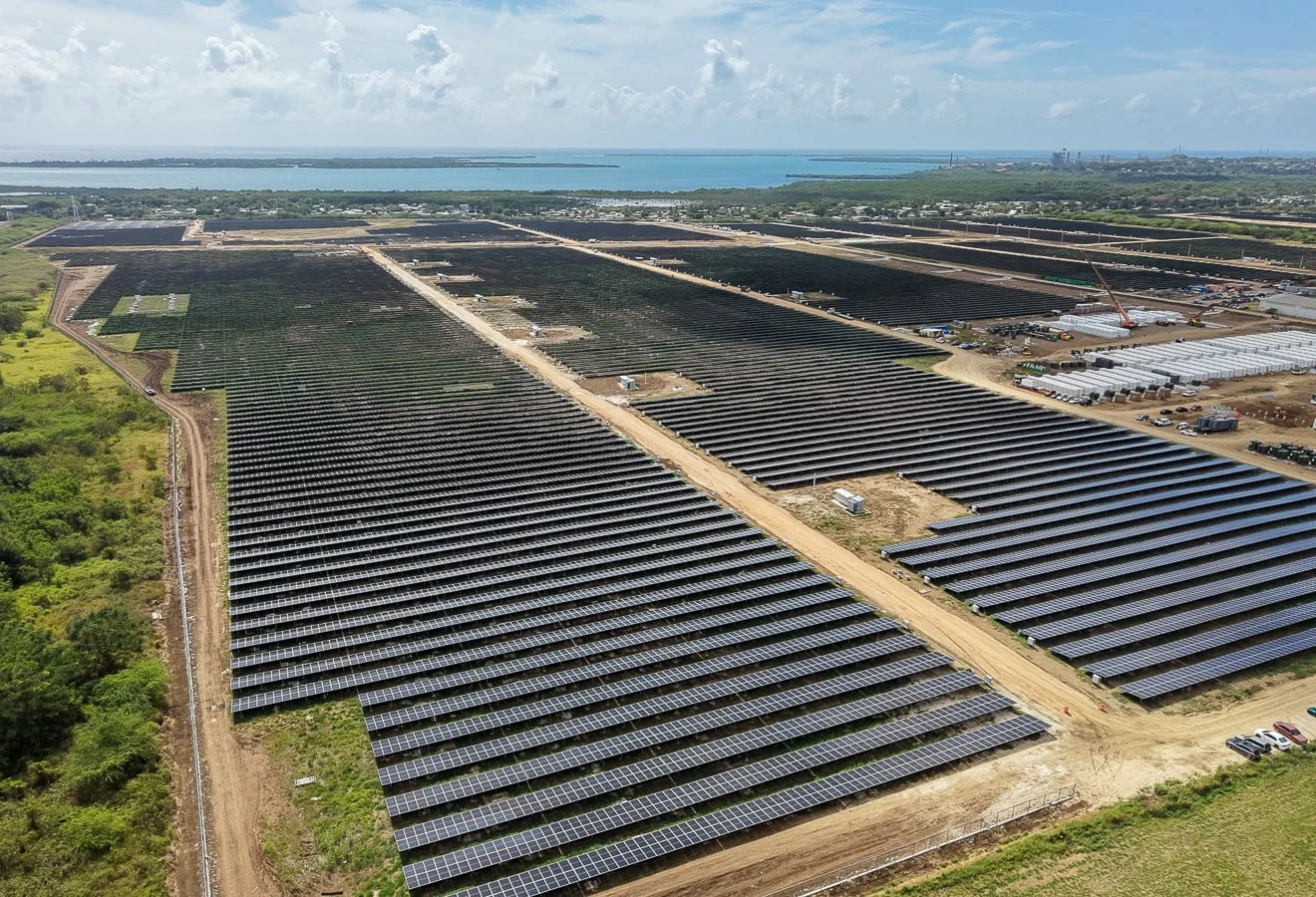
Photos from clients and their project archives.
Let’s talk about your projectYes. As well as configuring the platform, we adapt workflows and develop bespoke features for each client or project. We work with you to define requirements, scope, priorities and integrations, and validate the solution with your team.
It acts as a common data environment for documents, models and construction information. We support the review of the tender requirements and pre-appointment BEP/BEP to define the information structure, permissions and contract workflows in line with ISO 19650.
EPC Tracker complements your existing systems. It can connect field information with scheduling, document management, ERP and analytics tools. The scope and integrations are defined during implementation.
Yes. Access is organised by roles and permissions. Each subcontractor can work on their assigned activities, quantities, tasks and issues, following the project’s supervision workflows.
Mobile issue logging works offline and synchronises when the connection is restored. In the demo, we review the field operations you need and the availability of each feature on your devices.
Yes. Implementation starts with one or more pilot projects. We validate the working structure, train the team and establish procedures before extending the scope.
We start with the processes, projects, user roles and connections you need. This allows us to define the scope of the platform, implementation and customisation in a proposal for your organisation.
Tell us what you need to track. We’ll show you how to connect your operations with EPC Tracker.